
#Collaboration
Comments, notifications, users, groups and catalogs organise the people working on a process.
#Who sees what
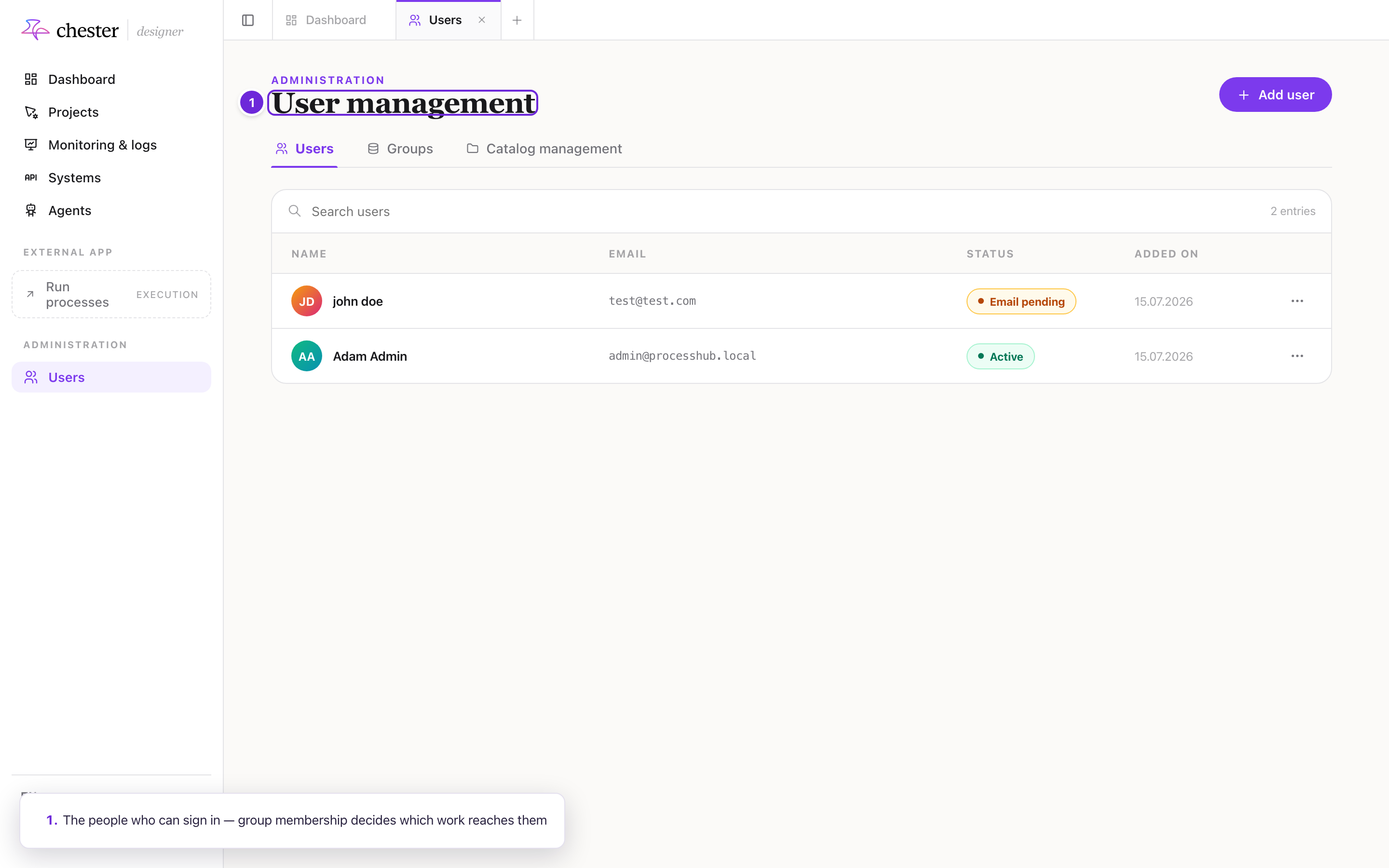
A user is who can sign in. A group hands one task to each member in a multi-instance step — adding somebody takes effect with the next run. A catalog answers the separate question of what somebody is offered to start. See Manage users and groups.
#Comments
You can comment on a process while modelling it, so a question about a step stays with the step rather than in a chat somewhere else.
#Notifications
Chester notifies people when a task is assigned to them — by email and in the Execution app — and when they are mentioned in a comment or someone comments on a process they own, on the Designer's dashboard. See Notifications.
#Users and groups
Users are managed centrally. A group collects users, and groups can be created and maintained here.
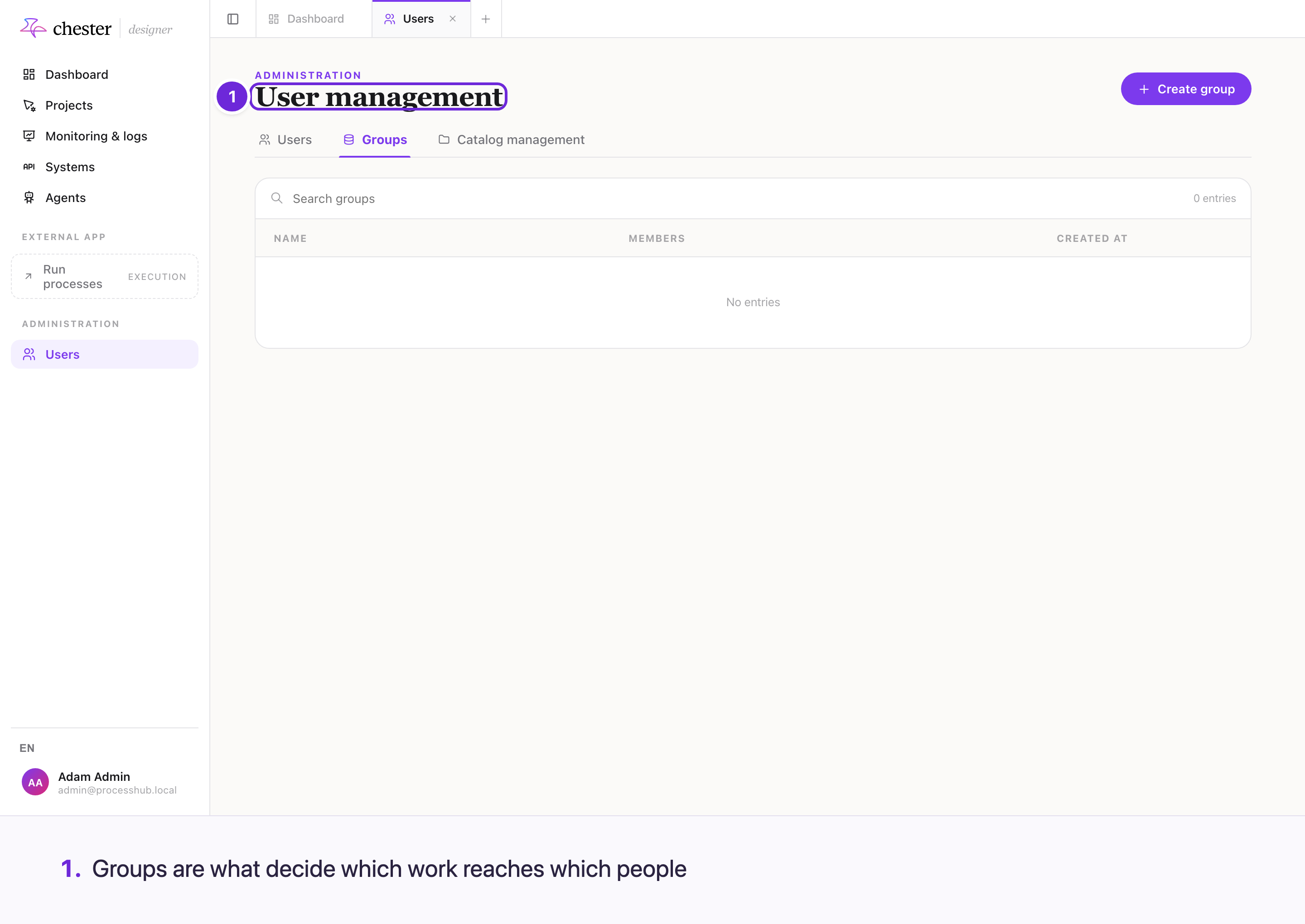
A user task is assigned to one person, either a named user chosen while modelling or a user worked out at run time from the process data. To reach a team, use a multi-instance step over a group: each member gets a task.
#Catalogs
A catalog is a curated list of processes offered to end users — what a person is allowed to start, presented as a menu rather than as a list of everything that exists.
Assigning a process to a catalog offers it to the people who need it. It can be started once it has a production deployment and a manual start. See Set up process catalogs.