
#Modelling processes
Model a business process as BPMN and enrich it with the systems, data and forms it needs.
Modelling is where a process is defined. You draw it, say what each step does, and Chester checks as you go whether the result could actually run.
#What you can do here
- Draw a process in the BPMN editor — the palette, the properties panel and edit mode.
- Work with process data — what a process receives, what each step produces, and how later steps use it.
- Check that a process can run — errors, warnings and what blocks a deployment.
- Model with the Copilot — let the AI assistant change the diagram, and review what it did.
In short:
- Draw a process as a BPMN diagram — tasks, gateways, events, sub-processes. How a gateway picks its path is on its own page.
- Say what a step does: which action of which system it calls, and with what data.
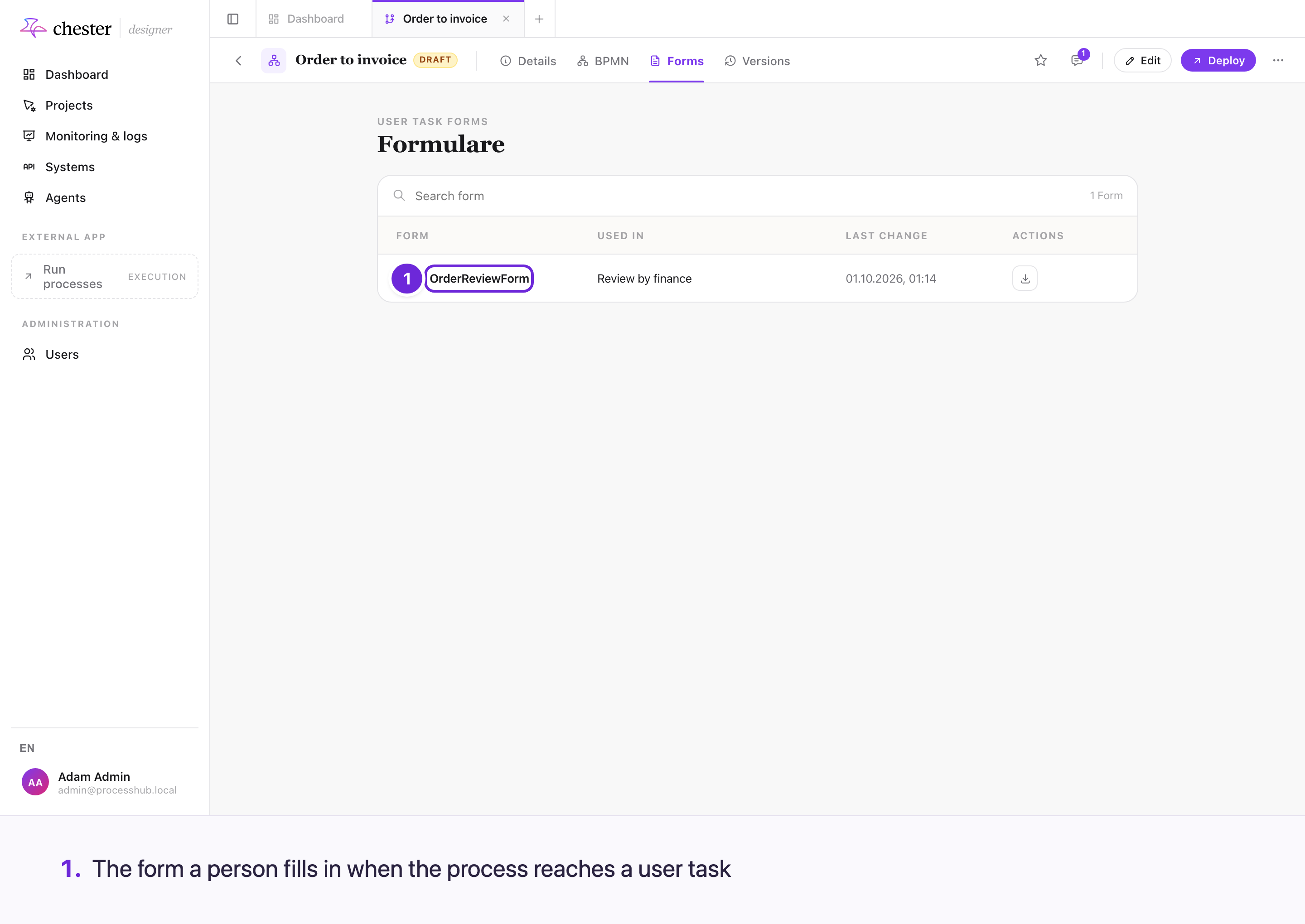
- Build the forms people fill in. A file field in such a form takes a file dropped onto it just as one chosen with its button.
- Define AI agents, which are modelled and deployed exactly like any other process.
- See what is still missing, while you work.
#How a process gets from a diagram to something that runs
You draw the process, configure each element, and Chester validates it continuously while you work. Only a process that validates can be deployed.
flowchart LR
  D["Draw"] --> C["Configure<br/>each element"] --> V{"Validates?"}
  V -- "no" --> C
  V -- "yes" --> Dep["Deploy<br/>a frozen copy"] --> R["Runs"]
You keep drawing and configuring until validation passes. Everything after that works on a frozen copy, which is why editing a process never disturbs a running one.
#Validation runs while you model
You do not find out at deployment that a step is incomplete. Chester validates continuously and marks the elements that are not yet runnable, so the diagram itself tells you what is left to do.
A process can only be deployed once its elements validate — the deployment recomputes those checks on the saved diagram and refuses a model that does not hold up. The checks on the diagram's structure are the exception: see Check that a process can run.
#The diagram is the source of truth
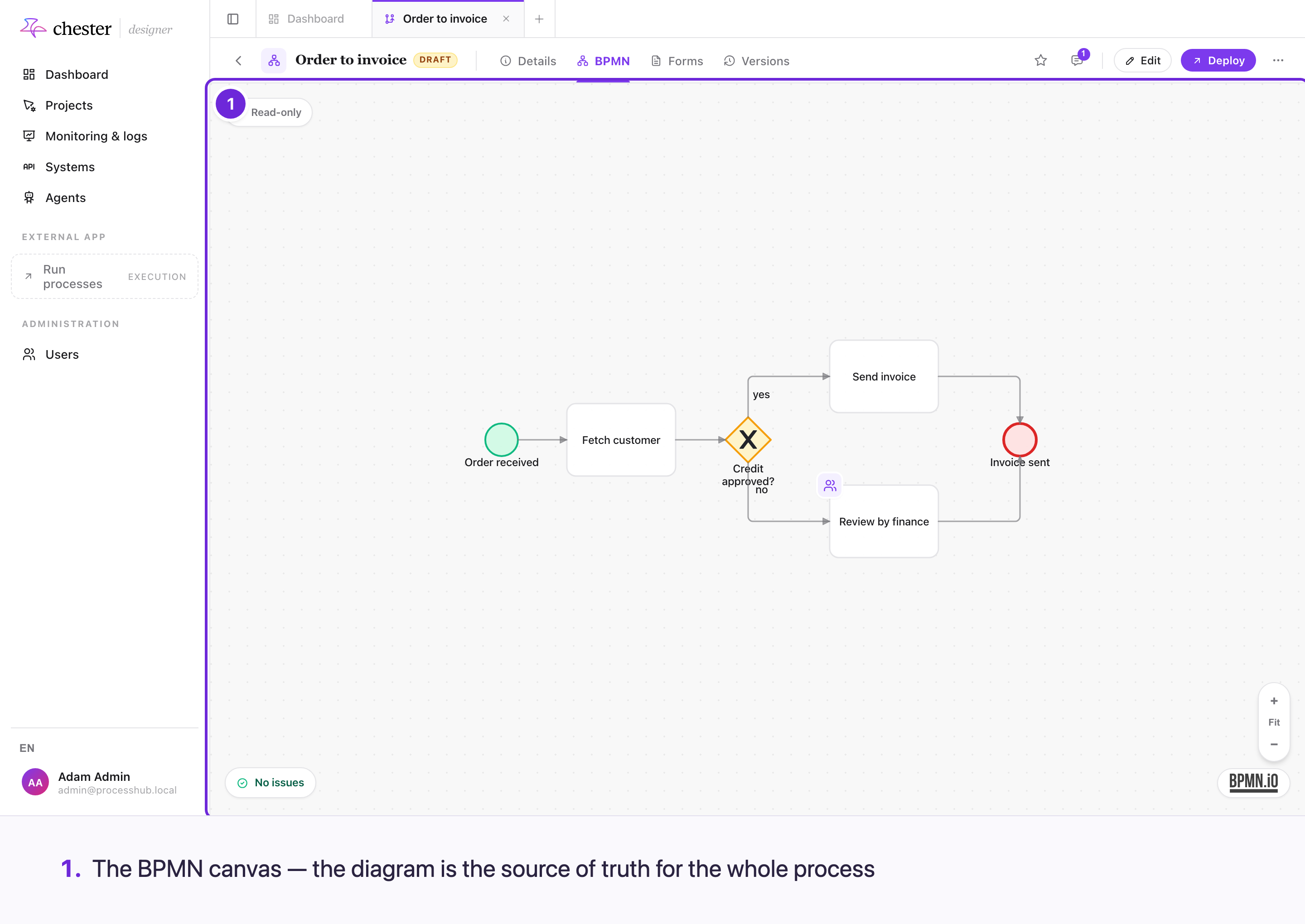
Every reference a process makes — which system, which action, which form — lives in the diagram, not in a separate table. That is why exporting the diagram exports the whole process, and why two people cannot define the same step in two different places.
#Agents are processes too
An AI agent goes through the same lifecycle as a process: you create it in the Designer, Chester checks it, you deploy it, it runs on the same engine, and every run shows up in monitoring. Nothing about deploying, running or monitoring is different for an agent.
What differs is what you define:
| Process | Agent | |
|---|---|---|
| You define | Every step, drawn as a diagram | A model with instructions, the tasks it can be given, the tools it may use and the knowledge it reads |
| Who decides the next step | The diagram, the same way on every run | The model, while it works — it picks which tool to call next |
| Started by | A person, another process, an incoming request | A chat, another process, an incoming request |
flowchart LR
  subgraph Same["The same for both"]
    C["Create in the Designer"] --> V["Checked"] --> D["Deployed"] --> R["Runs on the engine"] --> M["Monitored"]
  end
  P["Process: you draw every step"] --> C
  A["Agent: you configure model,<br/>tasks, tools and knowledge"] --> C
How to set up an agent is in Agents.
#What happens next
A validated process is deployed, which turns it into something the engine can execute.