#Deploying a process
Deploying turns a validated process into an executable snapshot bound to an environment.
#What deployment does
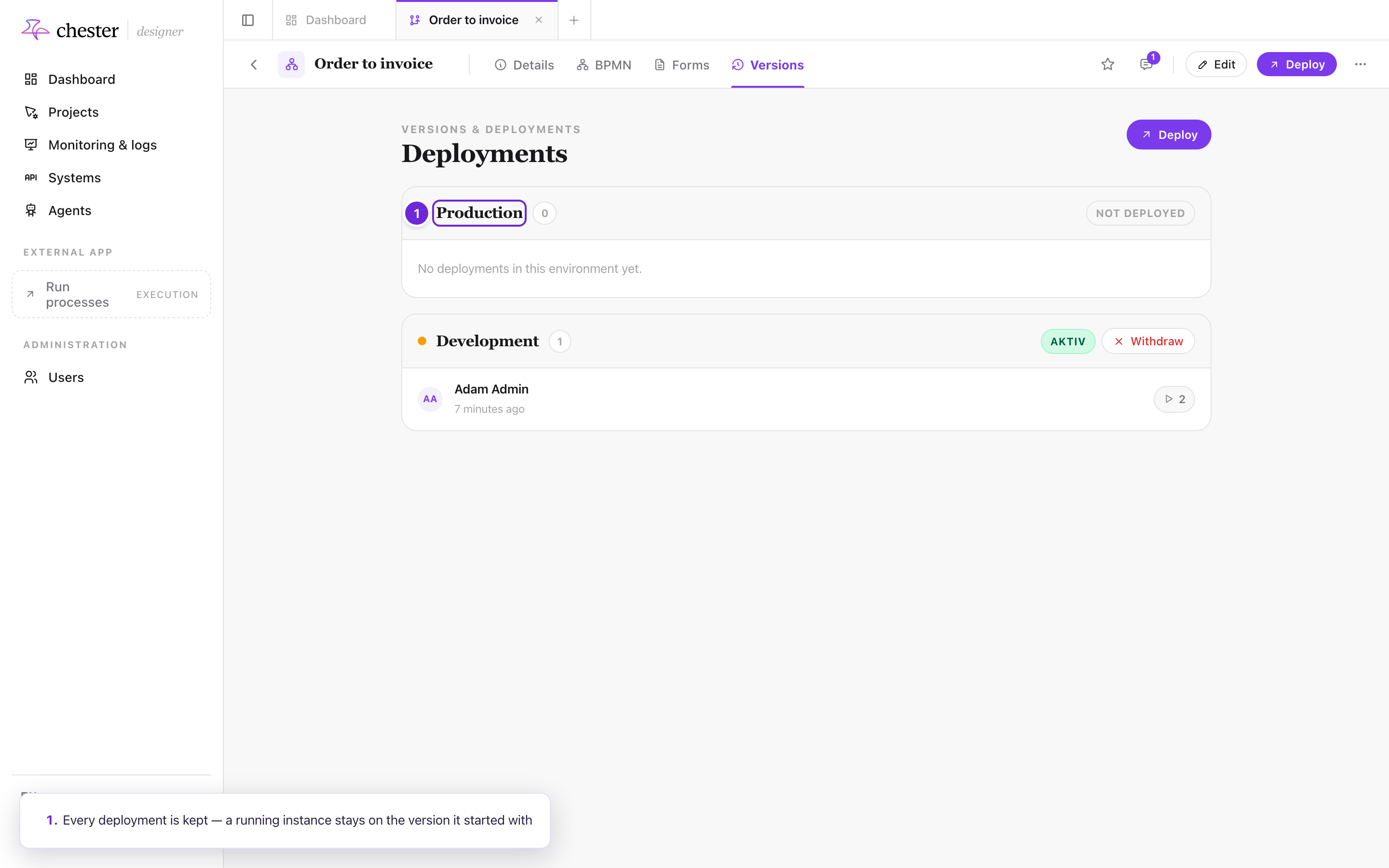
It takes everything the process needs — the diagram, the actions, the forms, the configuration — and freezes it together. That frozen copy is what runs.
The consequence matters day to day: changing a process does not change what is already running. Instances started before a deployment keep running the version they started with. To change behaviour, you deploy again.
#What a deployment freezes
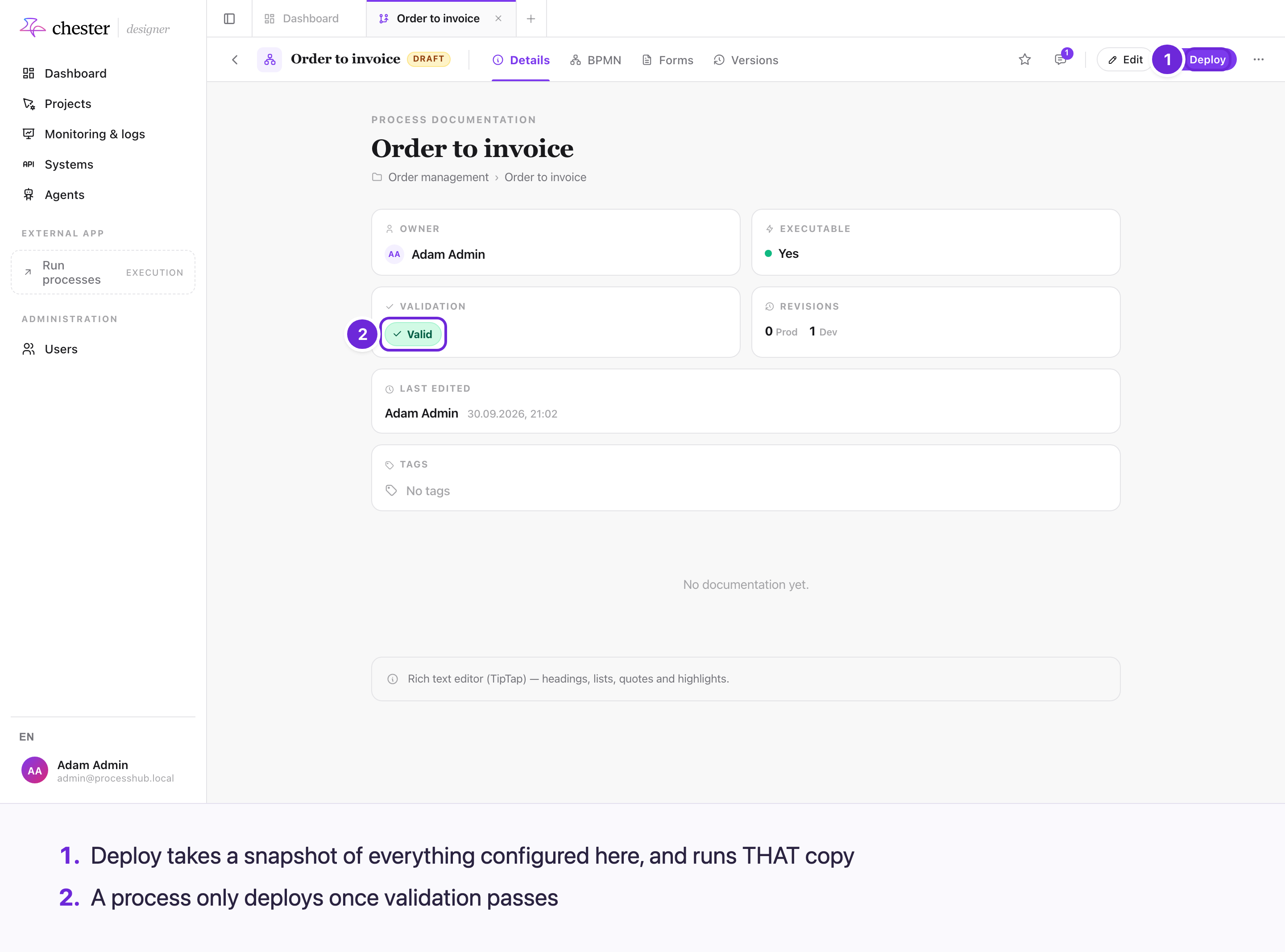
Deploying takes a snapshot of everything configured here — the diagram, the action configuration, the forms and the environment — and the engine runs that copy, not the process you keep editing.
Edit any of it afterwards and the running copy is unaffected until you deploy again. The exception is the workbench, which tests single steps of the unsaved diagram without deploying.
#Development and production deployments
Both run the same way, but they are reached differently: catalogs, call activities and agent chats only ever use the production deployment. A development deployment switches itself off — after 30 executions, or after 24 hours, whichever comes first. See Development and production deployments.
That is a cost guard, not a feature. It exists so a development deployment cannot quietly become the one serving real work. If a development deployment has stopped responding, this is almost always why: deploy it properly.
#Webhooks are registered at deployment
If a process starts from an incoming webhook, that registration happens when you deploy and is removed when you withdraw the deployment — not when you delete the process. You do not register it separately, and it survives a server restart — the registration belongs to the deployment, not to the machine.
#Previous versions stay available
Deploying again does not erase what came before. Monitoring can still show you an instance that ran on an older version, together with the configuration it ran with.