
#Monitoring
Monitoring shows what each process instance did, and lets you retry or cancel it.
#The states an instance moves through
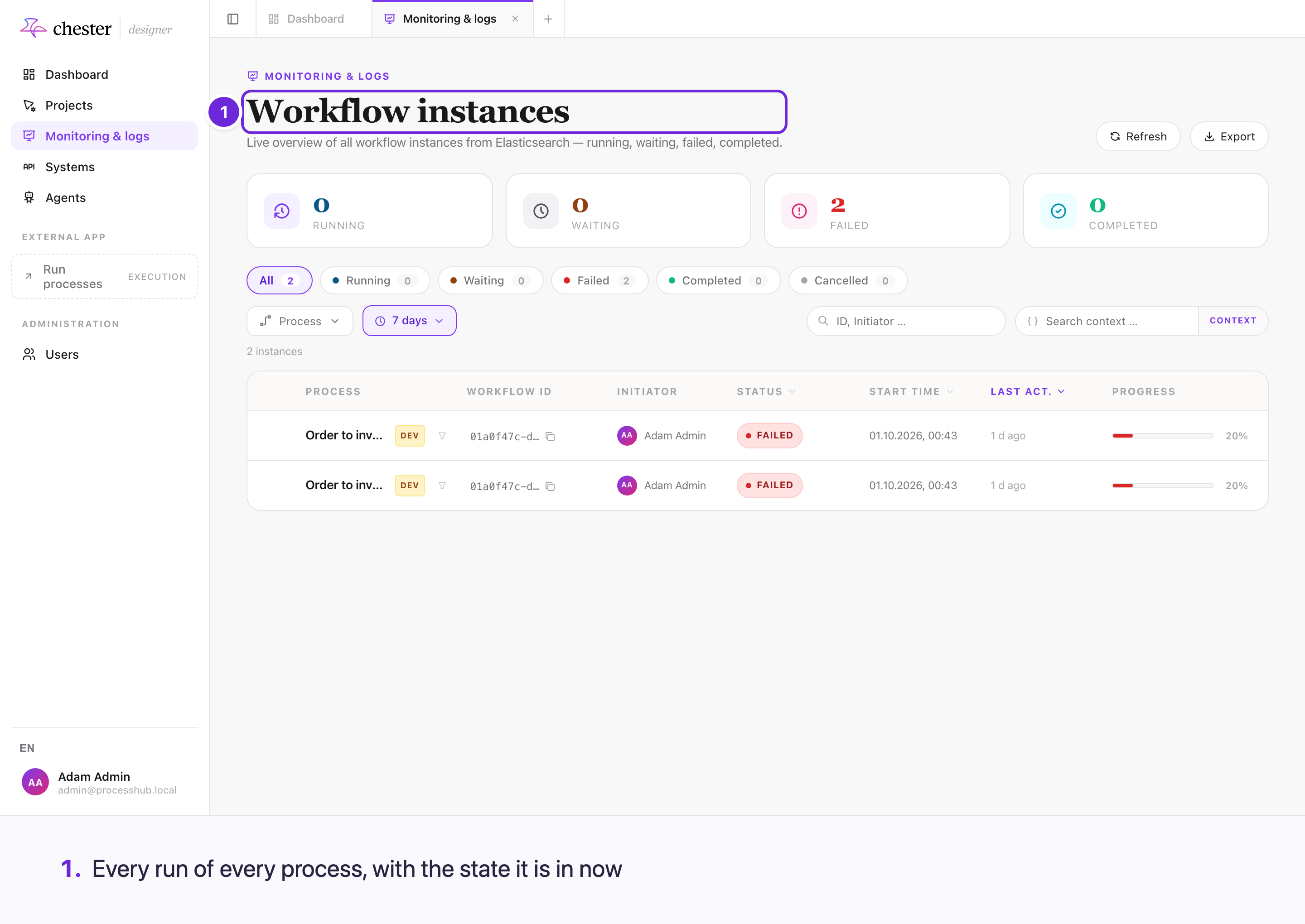
Every run of your processes appears here, with the state it is in now — runs started by another run are shown under their parent. The filters are the states an instance can be in. See Read an instance's details.
A retry resumes from the failed step. It does not restart the process, and the work already done is not repeated.
#What you can see
- Every instance of a process, running and finished, with its status.
- The path an instance actually took through the diagram. Steps inside a sub-process are indented, and each level of nesting is shaded a little darker, so you can tell at a glance how deep a step sits.
- What each step received and produced — on the step's card; the Workflow context tab shows what each step produced.
- Where an instance is waiting, and for what.
- Which steps were interrupted — for example the events that lost at an event-based gateway. An interrupted step is shown in grey; nothing after it runs.
- Why a step failed.
- For an agent step, every tool the agent used — see Follow what an agent did in a run.
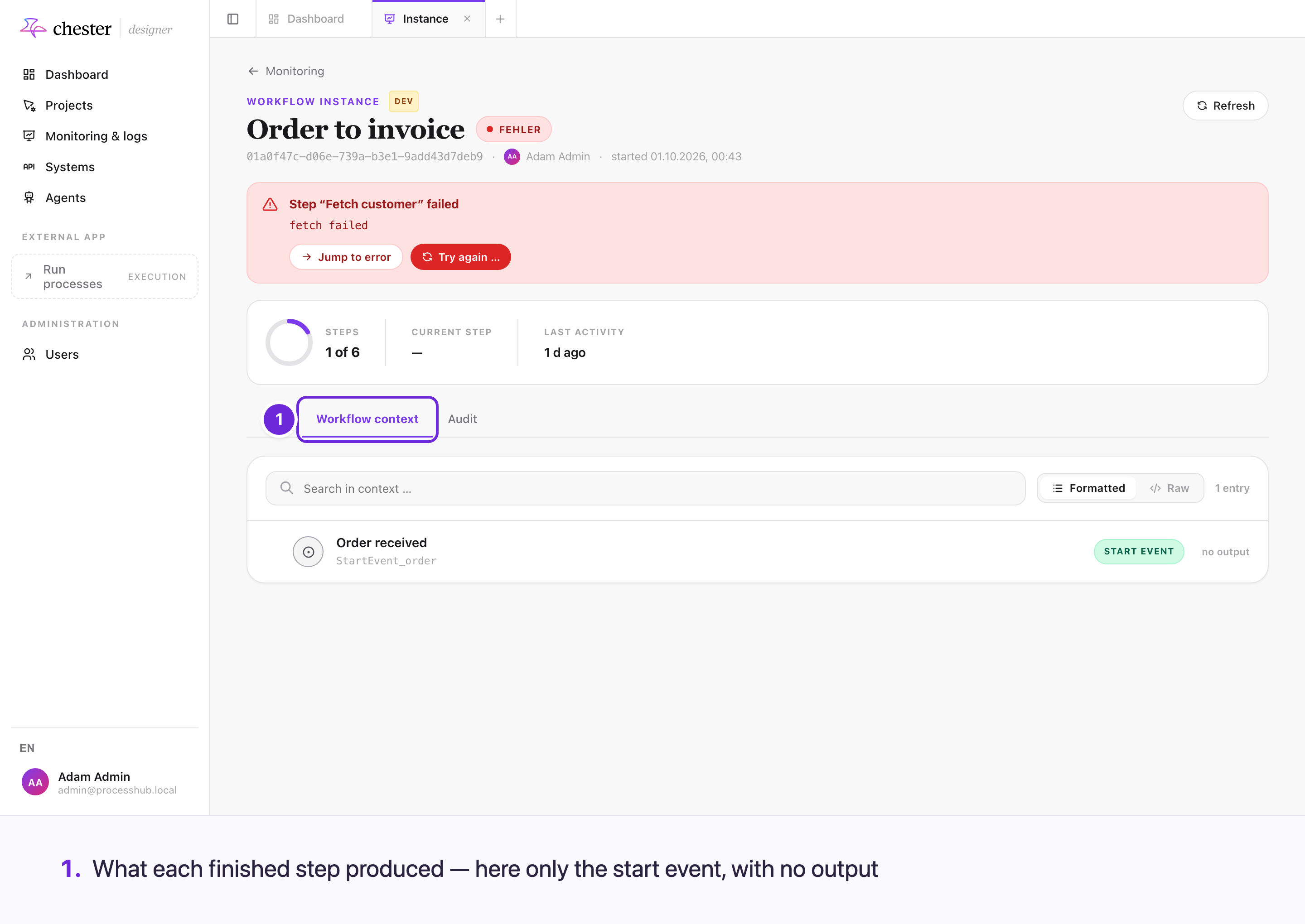
Instances are shown against the version of the process they started with, not the current one — so a run from last month is displayed with the configuration it actually used.
#Handling a failure
A step that has exhausted its automatic retries is shown as failed, with its error. From there you can:
- Retry it — run the step again as it stands.
- Correct the input first, then retry — useful when the failure was bad data rather than a broken service.
- Leave it failed, if it should not continue at all. ⚠️ A failed run cannot be interrupted from monitoring.
See Retry a failed step or interrupt a run.
A retry resumes the instance where it stopped. It does not restart the process from the beginning, and the work already done is not repeated.
#What monitoring does not do
It never changes a running process on its own. Every intervention is an action you take. ⚠️ The retries people made are not shown anywhere, and an interruption records no one.