#Agent knowledge vaults
A knowledge vault gives an agent a set of Markdown notes it can read, and write where allowed.
#Who reads and who writes
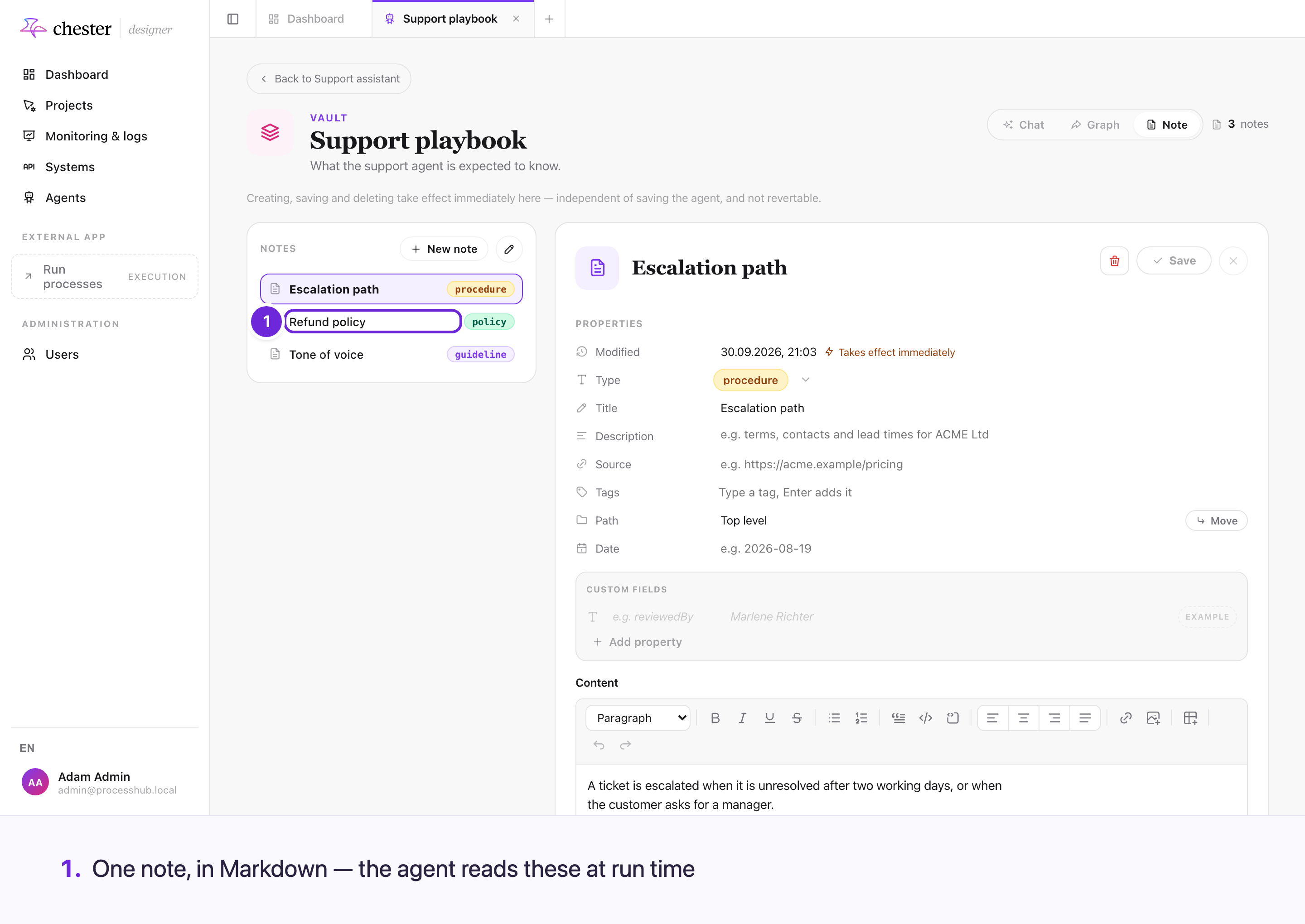
A vault is a set of Markdown notes an agent reads while it runs. Editing a note takes effect on the agent's very next run — there is no redeploy in between.
Reading is always allowed. Writing depends on the access level set where the agent is configured — not inside the vault, so nothing a vault contains can raise the permission of the run reading it.
#What a vault is for
An agent that has to know something specific — your terminology, your approval rules, the last version of a template — needs somewhere to look it up. A vault is that place: plain Markdown notes, organised in folders, that you edit like any other document.
#Notes are edited by people, read by agents
You write notes in Chester. An agent attached to the vault can then search them, read them, and follow the links between them while it works.
To see which notes an agent read or wrote in a particular run, open that run's thought loop — see Follow what an agent did in a run.
To hand a task a note without the agent having to search for it, pin the note into the task's prompt — see Pin notes, folders and tools into a task prompt.
A note changed today reaches the next agent run immediately. You do not redeploy to publish a change to a vault — that is the point of keeping knowledge separate from the process.
#Read-only or read-write
Each vault has an access level, and it is set where the agent is configured, not inside the vault:
| Access level | What the agent may do |
|---|---|
| Read | Search and read notes |
| Read and write | Also create and update notes |
An agent's own writes are marked as the agent's, so you can always tell what a person wrote from what an agent added.
The access level is decided outside the vault deliberately: nothing written in a vault can raise the permission of the run reading it.
#Links between notes
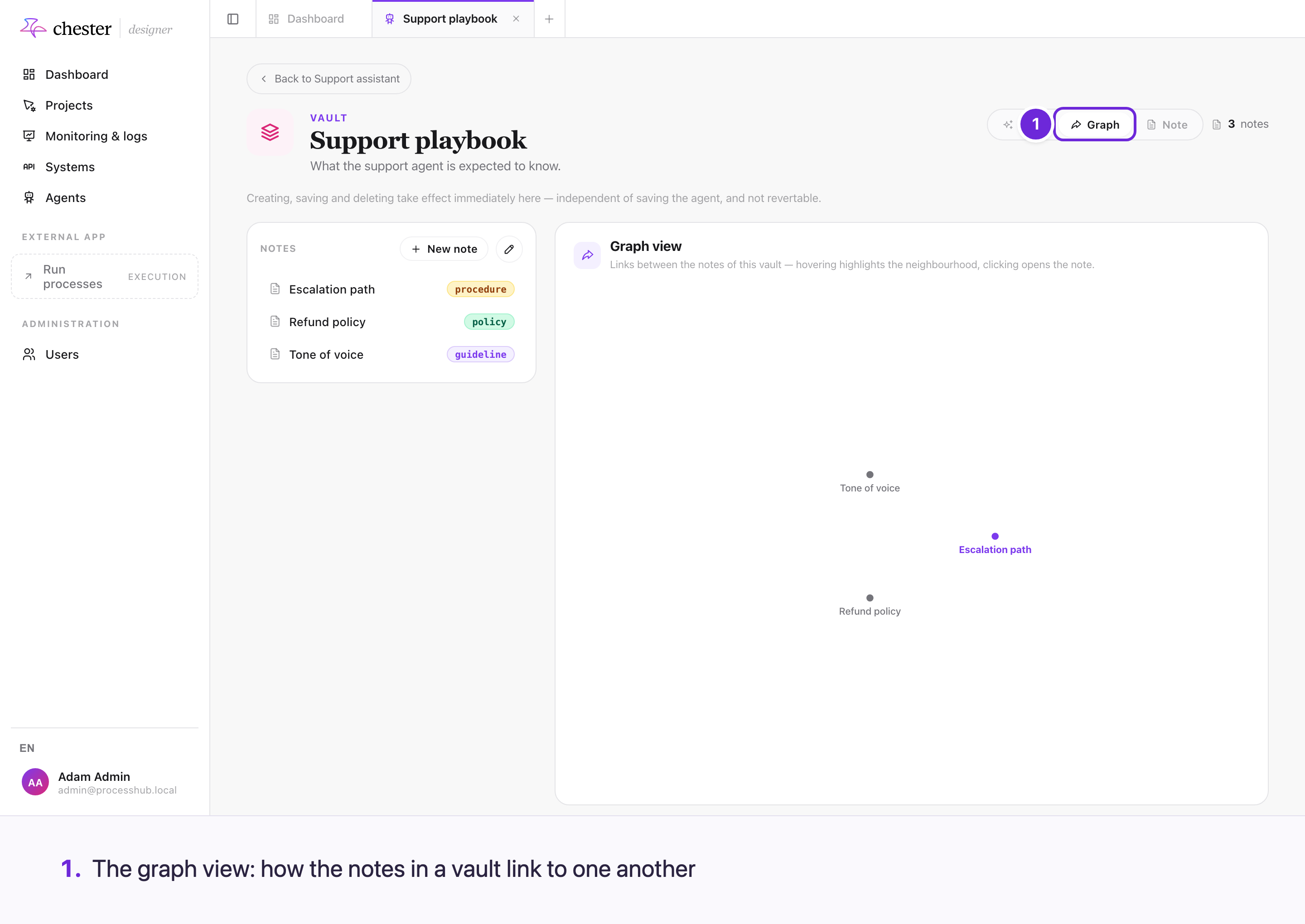
Notes can link to each other, and an agent follows those links the way a reader would. Grouping related notes and linking them is usually more useful than writing one long one.